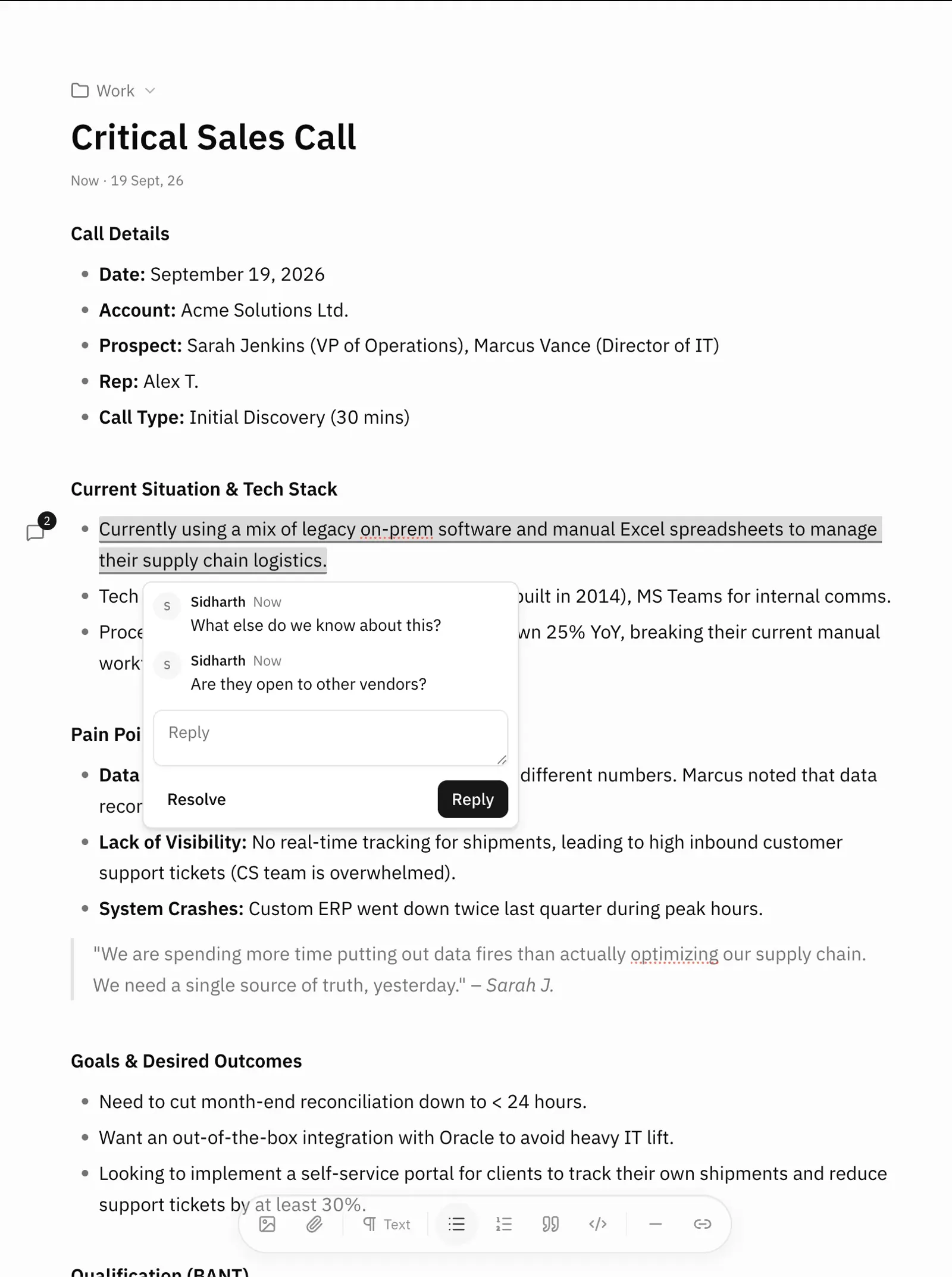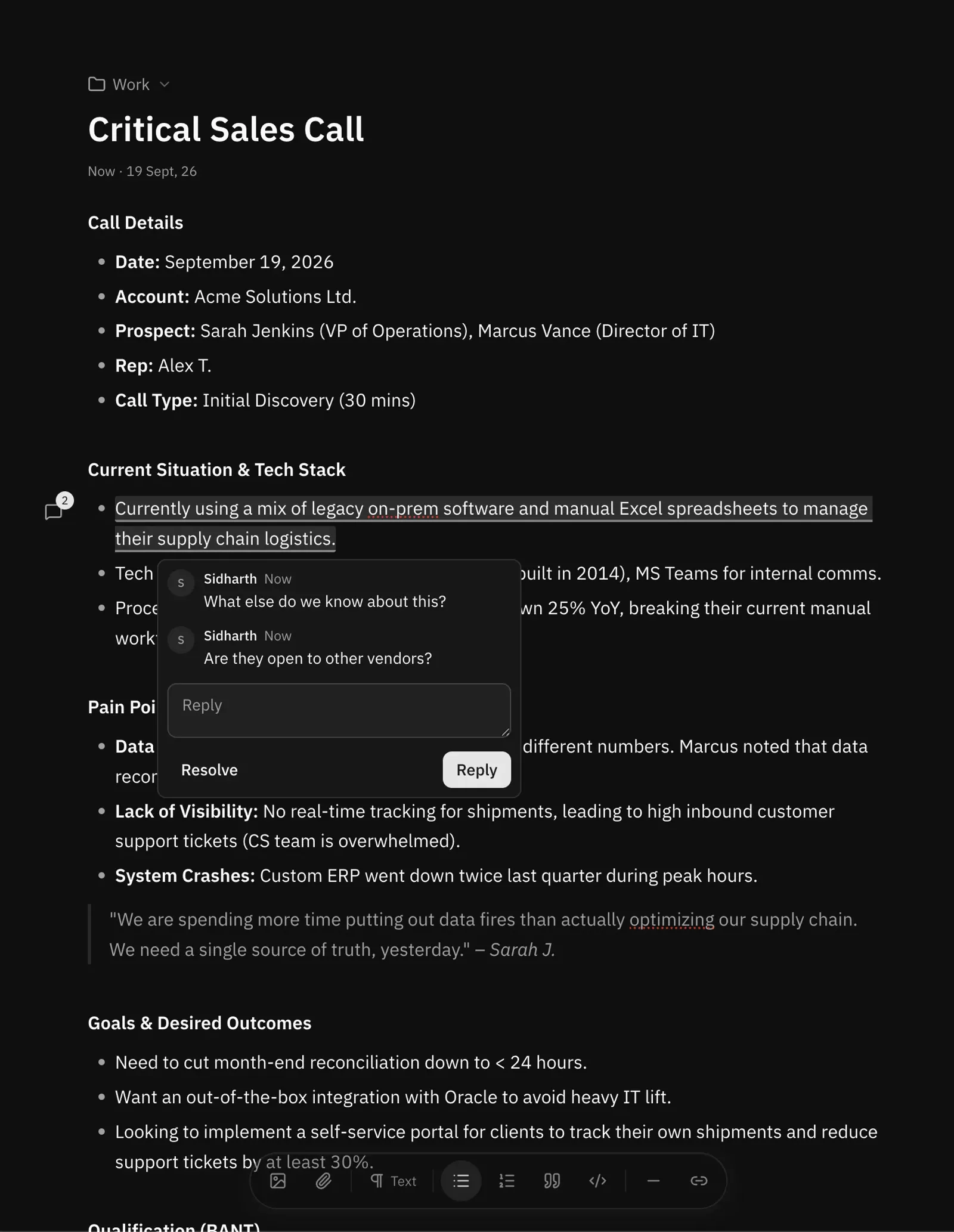
Remote MCP on every paid plan
- Your ChatGPT
- Your Claude
- Other MCP clients
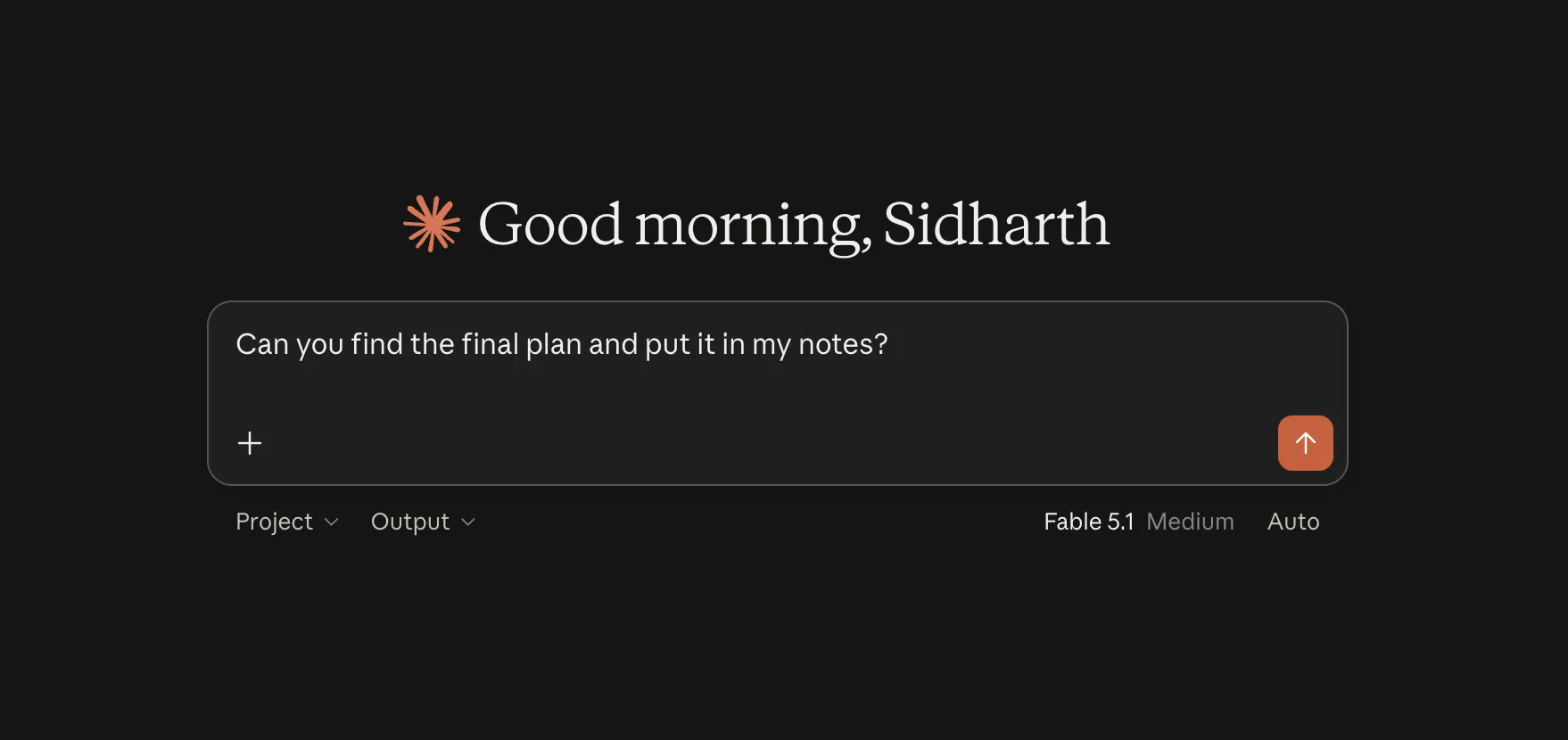
Three steps to MCP
- 01
Copy the noteasy MCP URL from Settings
- 02
Paste it into Claude, ChatGPT, Cursor or Claude Code
- 03
Ask it to read, search or write your notes
Pro AI
Auto title
Name your notes automatically.
Auto organize
Organize your notes automatically.
Tag @ai in comments
Proof-read, find things and handle basic tasks.